Author: admin

  • Photography Year 2012 In Review

    Photography Year 2012 In Review

    2012 Was The Year Of The Dragon

    Gone Walkabout Up Country As Almost No Snow In Toronto

    Toronto Islands  In January

    The Diffusion Of Occupy Toronto Into The Collective Memory 

    Trying Out a Couple of New For Me Medium Format Cameras

    From The Mamiya RZ67

    Hasselblad 500cm


    In and Around the Streets Of Toronto

    A Couple Of Double Exposures For Old Times Sake

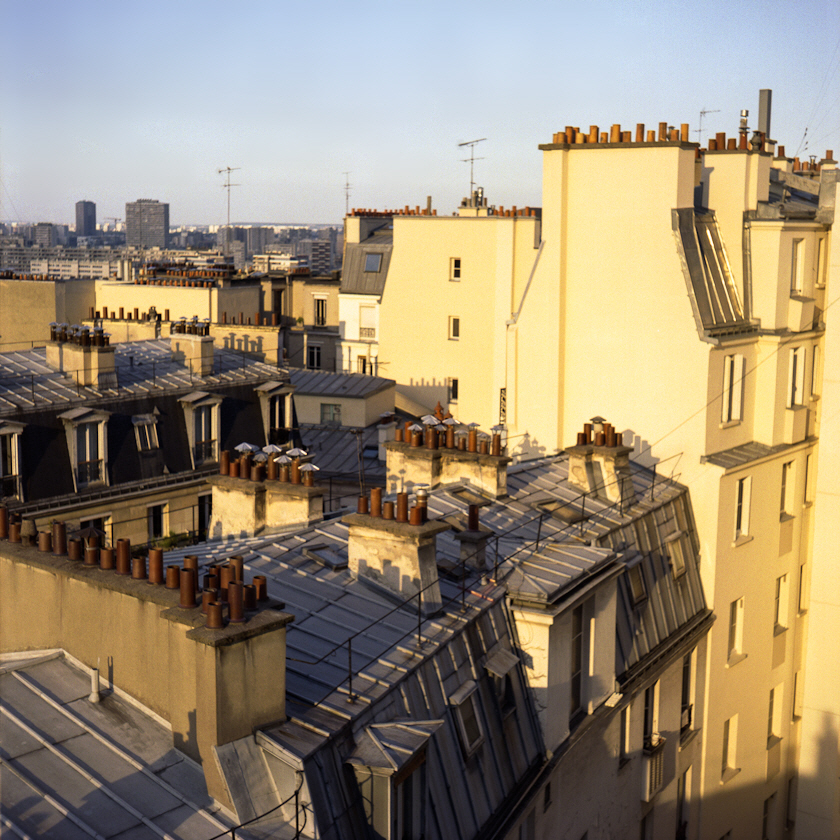
    In And Around The Streets Of Paris

    Some Portraits And Modeling

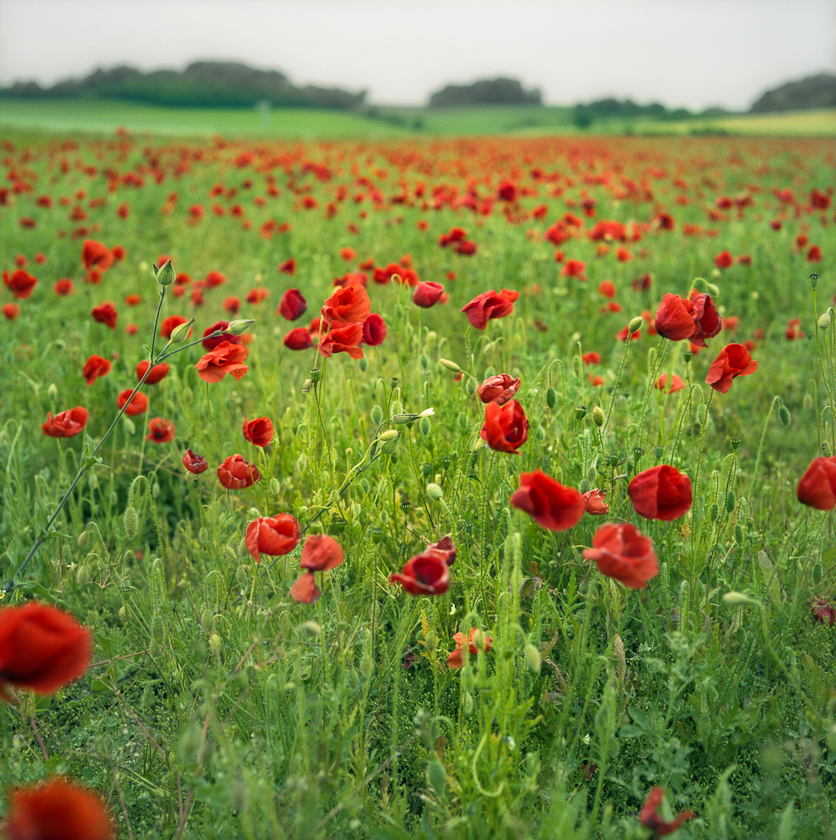
    Some Countryside

    The Year Wouldn’t Be Complete Without Some Strangeness 

  • Developing Film And Water Spots

    Following on from my blog posting titled Odds and Ends In B&W Film Development I  thought I would continue with the topic of the final rinse.

    Final Rinse Update – In the past I had spots now none:

    The final rinse is 3 minutes in distilled water; After the 3 minutes I 
    then add 1 drop of Edwards LFN wetting agent.; Shake really well for 5   seconds, wait  until any foam dies down; Then remove film from
    liquid. Shake off excess water and hang to dry.


    Absolutely no spots!


    Notes:

    The distilled water adds  about $0.15 per roll but it seems to be worth it, The trick seems to be prior to adding the wetting agent leave the film in the distilled water for long enough to dilute (replace) any of the tap water in the emulsion.

    Over washing and washing the film like a raccoon can do irreparable damage to the emulsion.

    Obviously if you get white spots with tap water you need distilled for the final rinse if you don’t get them then you don’t.. And of course negatives without white spots and drying marks are better than those that have them.

    I did an experiment watching under a microscope one drop of distilled water and one drop of my tap water dry on a microscope slide. Absolutely no observable difference! So why use distilled water? Distilled water removes most minerals from the film gelatin layer so it doesn’t come to the surface later and cause water marks when it drys. The final rinse must be long enough for the gelatin to become in equilibrium with the rinse water. The reason I reuse the same “distilled” water from the final rinse for the photo flow or wetting agent stage is that I want the water within the gelatin to be in equilibrium with the water that has the wetting agent. This and a short cycle time with good agitation keeps the wetting agent surfactant mostly on the surface where it belongs.

    It’s all about chemistry, surface chemistry, diffusion and equilibrium.

    Why not dishwashing soap instead of a wetting agent? Because it’s a false economy and they contains impurities, contaminants that could cause problems. Wetting agents designed for film do not have the extra impurities that are added to dish water soaps and are only a couple of pennies per film.

    Tip: 

    Sometimes I find stuff floating in my developer or fixer, to remove pore the liquid through a small fine stainless sieve used for cooking. Don’t forget to rinse the sieve after using to prevent corrosion.


    Drying

     I recently I brought an old Kindermann Rapid dryer. I then taped a dust and pollen filter over the fan air inlet so for a total cost of $20 I can now have dry, dust and spot free film ready to scan within 45 minutes of development.

    There are many DIY dryers out there on the web including those made with garment bags. This MacGyver like method although I haven’t tried it yet, it looks brilliant!


    Warning

    Depending on your water the use of distilled water may be dangerous overkill. A friend of mine after many years of no problem started to have problems with spots this went on with the spots getting worse over the year, Finally he gave me a spotted frame which under a microscope showed fine surface crazing all over with the spots caused by more severe surface damage rather than by left over chemical residue. With the proof he finally followed my advice and used the Ilford method of rinsing. Suddenly no problems! His problems started when in his own words “Someone told me I should rinse more so I started to rinse more and the more I rinsed the bigger the problem so I added more rinsing aid and more distilled water. Ended up rinsing  like a Raccoon.” 


    References

    Why Is Water The Universal Solvent

    Diffusion

    Surfactant
  • Vuescan, Lightroom and DNG Plus The Lomography DigitaLIZA

    Vuescan, Lightroom and DNG Plus The Lomography DigitaLIZA

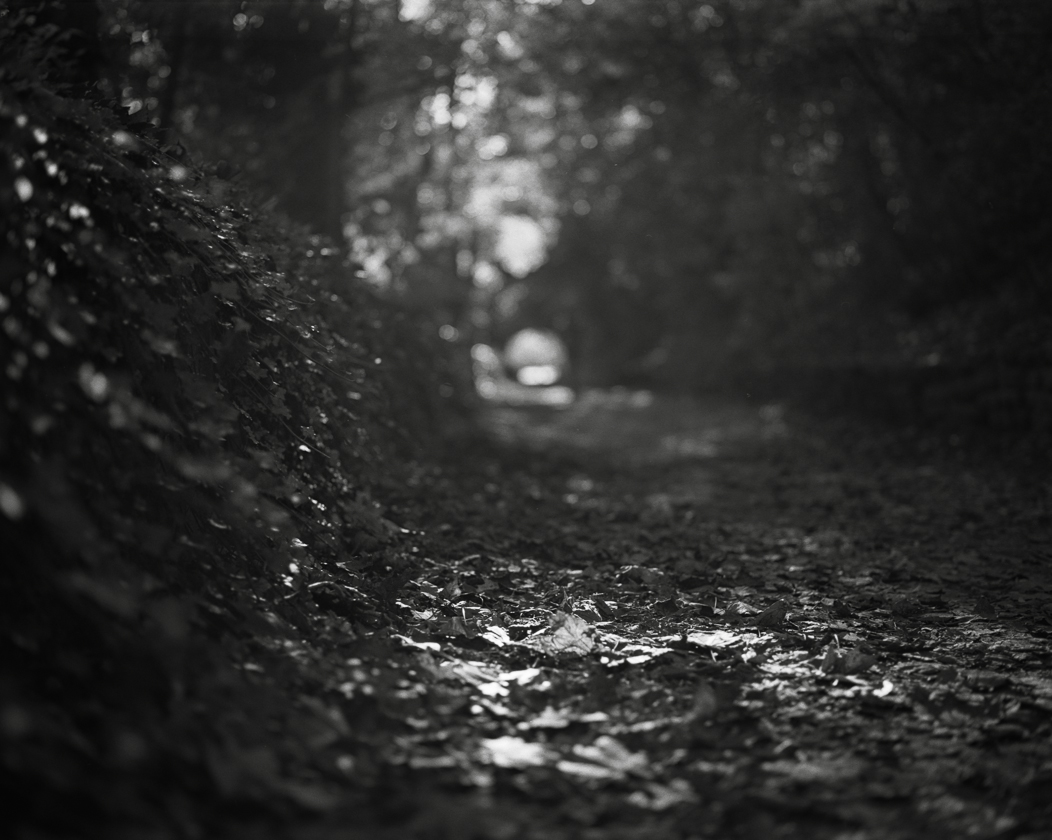
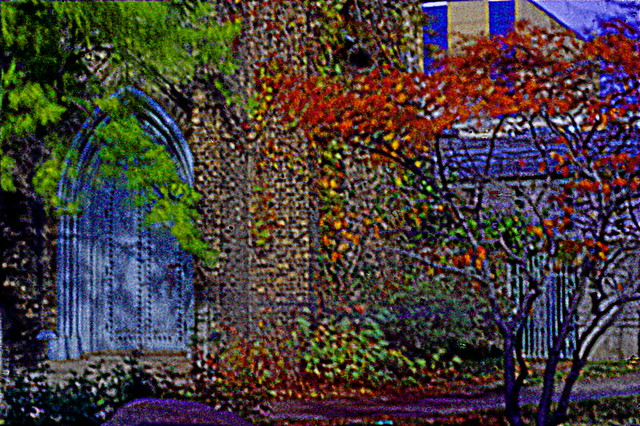
    Fall Path

    My blog on Plustek scanner mentioned my purchasing of the scanner software Vuescan to replace the software that came with the scanner. Up to now I have avoided using it for my epson v500 as I find the epson scanner software very easy to use. For a change I decided to try the Vuescan DNG output. DNG is equivalent to a RAW file only in a Adobe format. This turns out to have several advantages if you happen to own Lightroom or Photoshop.

    • You don’t have to fuss with scanner settings for each individual image (Just set gain and base colour on an unexposed part of the negative once per roll)
    • You can extract and save all the information that the scanner can provide in a standardized archival form
    • Fits into Lightroom’s non destructive workflow so reprocessing does not degrade the scan.
    • Merges your film and digital workflow
    • You can make and apply your own colour profiles, curves, fx and other post processes as many times as you want
    • You start out with a RAW file that has more information and less noise then a conventional tiff scan with some curves applied during the scanning phase

    Warning the Vuescan DNG has a linear gamma of 1 the same as a scanner so opening up a file out side of a gamma aware program will result in an image seeming to have a very strange contrast curve.
    New note on Vuescan/Epson V500 here.

    For Pixel Peekers

    Have a look at this example of 35mm Nikon FMn2 105mm hand held street portrait on HP5 film developed in Xtol + Rodinal and scanned on my Plustek 7400

    Original scan from the Plustek B&W scanned as a 48 bit tiff

    1:1 with some slight sharpening in post

    Lomography DigitaLIZA

    I have to give the Lomography DigitaLIZA  120 Format film holder a 4 out of five rating compared to the epson holder 2.4/5 rating. It’s so much better for keeping curly film flat. It’s also easy to load the film.

    Tips:

    • For the digitiliza make up a template that you can place on your scanner bed to make it easy to align the Digitaliza with the scanner bed (I made mine out of a stiff cardboard looks like a thick L) be careful not to cover the calibration area of the scanner
    • I use a rocket blower rather then canned air to blow any dust off the negative. 
    • A pair of silk inner liner gloves (from a sports or outdoor shop) are much better then cotton gloves for handling negatives


    • What Is And What Isn’t Street Photography?

      What Is And What Isn’t Street Photography?

       I have a personal definition of Street Photography. It is
      personal because I don’t believe a formal definition of what is and what isn’t
      Street Photography does anything except to fix firmly in the past our idea of
      what street photography should be.
      Personal definition
      what is Street Photography:
      • Urban
        environment
      • Range
        of distances: from up close and personal to across the street. (Across the
        street being more urban life scene less traditional street.)
      • The
        subject should scream life and humanity all those personal quirks and
        everyday little and big things that make us human
      • The
        subject does not have to be a person or persons regardless it does have to
        evoke an image of humanity
      • There
        has to be some transit nature to the subject. An example: A half eaten ice
        cream cone melting on a pavement evokes memories and tells a story
      • Generally
        the single photograph should stand by it’s self even when it’s included in
        a larger photojournalist type story. Whether or not the single image shows
        truth in the photojournalist sense is not relevant.
      My Personal
      Definition of What Definitely Isn’t Street Photography
      (doesn’t mean I
      won’t take the shot any way)
      • Beach
        scenes; nature scenes, country roads; Architecture, statues and art as the
        primary subject.
      • Static
        objects including empty streets (too obvious and trite) although fog
        street scenes are tempting
      • Road
        traffic where the cars, trucks … are the subject even is it’s a long
        exposure and shows pretty light painting effects
      • Too
        much staging although I hate getting into the street portrait debate
      Maybe
      • Sometimes
        a backside is just a backside and a snapshot is just a snapshot, trite is
        trite in whatever guise
      • Geometric
        organizations and patterns, can be really interesting but if too clinical
        and clean without the grit it’s more of an abstract
      • Sometimes
        a sign mixed with people work as street, it depends if the subject is the
        people rather then mostly the sign.

      Most important: If you see a shot take the shot! If you take a shot then consider staying a minute or two and taking another the shot from several different positions and angles. Worry about any definitions of what is or is not street afterwards,

      By my definition here are some borderline Street photographs. Except for
      the first one they all came from the same roll of film. Remember there is
      no right or wrong answer.


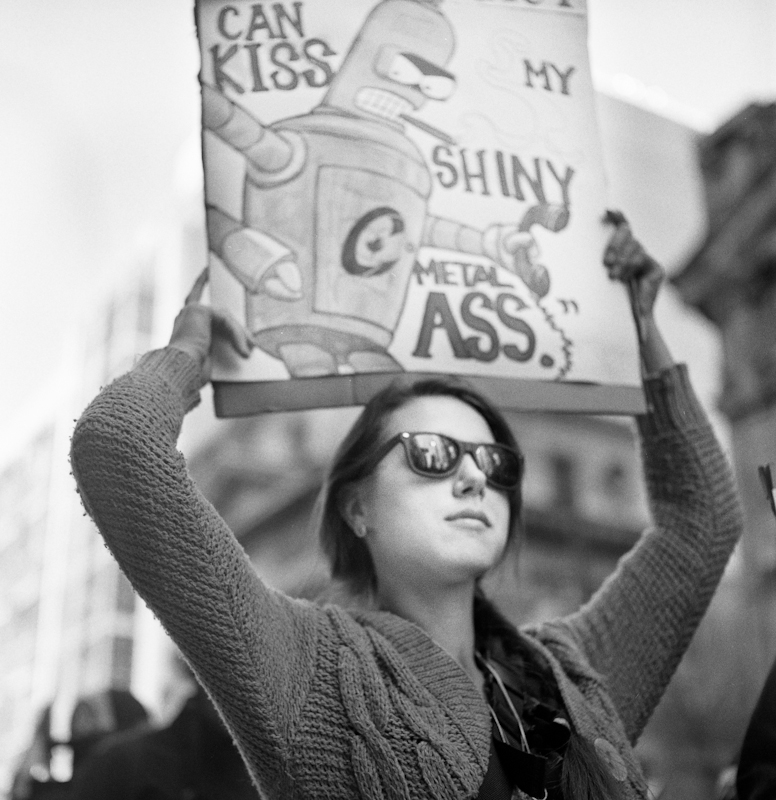
      Robocall: “Democracy Can Kiss My Shiny Metal Ass”

      Body Language

      Freshly Squeezed
      At The Bay

    • New Kodak Portra 400 Beautiful When Pushed One Stop – Review Update

      New Kodak Portra 400 Beautiful When Pushed One Stop – Review Update

      In my first review of the new Kodak Portra 400 I had one negative about the film

      Cons : Needs post processing to bring out contrast 

      Turns out there is a splendid work around: Unlike most other colour negative films Kodak Portra 400 shooting at ISO 640 and developed pushed 1 stop in normal C41 chemistry really brings out the contrast  and colors. These days this is my preferred way of using the film.  The dynamic range (contrast ratio) is increased at the expense of a slightly decreased latitude. In addition an extra 2/3 to a stop of increased ISO really helps out in hand holding medium format cameras.

      Beware that unfortunately not all labs will correctly push c41 films.

      Kodak Portra 400 Shot at ISO 640 and pushed one stop in C41chemistry

      Slide show of some more pushed Kodak Portra 400

    • Faux Cross-Processing

      Faux Cross-Processing

      Cross processing is simply developing film in a different process then it was intended to be processed. The most common type of cross processing is developing slide film as colour negative film. Normal slide film is processing is called E6 and normal colour negative film processing is called c41,

      If you are interested here is a slide show of some of my slide film cross-processed in c41.

      Also here is my blog posting exposing some of the myths of cross-processing:

      Now days there are plenty of actions that try to duplicate the “Cross-processed” look. But it turns out much of what we consider the cross processing look and feel
      is as a result of a lab scan as opposed to a printed photograph. Mini lab scanners when scanning cross processed film as a
      normal c41 assumes a nonexistent orange base plus a normal
      colour channel gamma.

      I am interested in duplicating the look of cross processing by back engineering a normal image back to a faux cross processed negative. Just for fun after scanning I converted a
      Portra 400 negative film to a cross processed slide by reversing the
      result and then reversed the negative back to a positive assuming a
      none existing orange base that a regular negative film would have.

      This is my first attempt in using a model rather then a canned action:

      Original Photo

      Faux Cross Processed

    • My First Look At the Plustek 7400 Film Scanner

      The Good:

      Well priced alternative to a flatbed scanner.7200 dpi scanner (when measured with a target it turns out to be 3800 dpi in both directions which is right in Nikon cool scan territory)

      Actual Dmax > 3.6 and can be increased through multiple exposure mode.

      The Negative:

      Scanning is done through the included Silverfast Se plus software.

      Manual feeder so after you load the carrier you have to push it through by hand one frame at a time. This is not really a problem as I hand correct every negative

      No digital ICE (not really a problem for me as I don’t use it anyway and it doesn’t work on B&W)

      My Findings:

      If you have any form of workflow the Silverfast software is a piece of junk you would have to spend at least the cost of a scanner to upgrade to a usable version. Besides a rather useless raw mode it doesn’t have 48 bit per colour save function. The raw mode would be good if it integrated with lets say Lightroom but it doesn’t. It’s designed to work with another pricey piece of software you have to buy from them. I don’t know about you but I only like to scan once and use the file as a master.

      To top it off they keep on telling you to read a 500 page manual and strongly implying that if you want to be a pro you are using the wrong scanner software.

      The solution is easy buy reasonably priced Vuescan software. The pro has lifetime support, useful raw workflow and can support multiple scanner types.

      Scanning B&W I used some nice grainy HP5+ and found out this:

      Multi-exposure is effectively a two pass scan with each scan taken at a different exposure, the 2 passes are then blended together. This actually works and extends the dmax and dynamic range for difficult frames. There is a slight but noticeable lose of resolution. most of which can be recovered with some of the hated USM filtering. Not much need for this function with HP5 I will have to wait until I test it on some high dynamic range shot using TMAX film.

      The raw scans pre-adjusted with a film profile seem to contain all the tone information with no banding or noise. Thus they can act as masters.

      For 3600dpi scans there was marginally better detail and micro-contrast when scanning at 7200dpi at letting Vuescan reduce the output to 3600dpi (down sampling). This seems to be real not some USM shapening slight of hand (USM was off). Makes sense as the measured on a target dpi is 3800dpi and downsizing by 2 is equivalent to multiple sampling without the alignment problems.

      As scan time is almost 4 times as long at 7200dpi I will use 3600dpi scans on images that I don’t care so much about and 7200dpi down sampled to 3600dpi on images that look interesting.

      Also of slight interest was that letting the software convert from the colour scan to BW gave slightly better micro-contrast then converting the 48bit colour to 16 bit B&W after the fact or scanning in 16bit B&W.

      I tested the same negative on my Epson V500. The Epson had less then half the actual resolution and more compression in the grey scale. The hp5 film grains were blobs instead of salt and pepper with the Plustek.

      Four out of Five approval rating.

      P.S. After using the scanner for a few months the quality of the scans has motivated me to shoot more 35mm film.

      For Pixel Peekers

      Have a look at this example of 35mm HP5 developed in Xtol + Rodinal scanned on my Plustek

    • Top 10 Signs That You Have Gone Too Far When Photoshopping A Photograph

      pin_0821-02

      We all know that art has no boundaries so how do you know when you have gone too far with the Photoshopping of a photograph? To help you out I have compiled a list of the top 10 warning signs:

      Top 10 Warning Signs That Let You Know That You Have Gone Too Far With Photoshopping An Image

      10. Only your parents would put it on their wall and you find out later that they take it down when you are not there
        9. Young boys want to have a black light poster made of your image to hang on their bedroom door
        8. Young girls think it’s cute
        7. You think it’s cute
        6. People you don’t know give you crop or cloning suggestions
        5. People you know give you crop or cloning suggestions
        4. Someone says your work reminds them of another person, and it turns out that you can’t stand that other person’s  work
        3. Someone wants to know what HDR program and Photoshop actions you used
        2. Someone buys it and asks to have it framed in gold and matted with black velvet
        1. Somehow it reaches the top 10 in Explore on Flickr

    • Last Supper Redux


      Roll Over The Image With Your Mouse To See The Original


      You spend your hard earned money to pay for a trip to a far away place where no one really knows English just to wait in line to buy a ticket and when you finally get in you find that famous painting you heard so much about is faded, dull and chipped, it looks terrible by today’s digital standards.

      Fear not as today I will teach you the secrets of restoring these old “masterpieces” from dull and lack luster to the way they should have been in the first place that is if the painter had had any proper art school training.

      As an example I will use the painting the Last Supper done by a moderately successful painter (I forget his name at the moment):

      Clearly in those days they never heard of the rule of thirds. At first I wanted to crop the image to make the subject Jesus conform to the rule of thirds. But then I realized I could not do a very nice roll over if the before and after images were of different sizes, besides cloning out the odd arms would be far too much work. So instead I opted to use selected focus. Using selected focus allows me to draw the viewer’s eyes directly to the subject clearing up all those busy distractions that make the eye wander about. What was the artist thinking wasting his time on all those unnecessary details? Selective  focus also gives the painting a depth of field and 3 dimensionality that the original lacked.

      To increase the feeling of magic and fantasy and to repair the chipped paint I applied an Orton Effect filter/action. The Orton filter I applied came with a set of 10 other actions which I purchased from WeripUoff at only $180. I highly recommend them as they save you a lot of time learning stuff.

      Then to give it a more modern update look I applied a cross processing action (good value at only $80 from WeripUoff). Noticed the richness of colour. The hills in the background window are now a pleasant shade of Irish green.

      Still it didn’t quite pop so for the final touch I applied a subtle single image auto HDR tone mapping, notice how much better the light is on Jesus’ robes when compared to the original. A bit expensive at $260 for the HDR package from WeripUoff but how can you be state of the art without the latest and best tools. Also consider the money you are saving and the disappointment you are avoiding by not travelling to view the original artwork.

    • Before There Was Digital and The Naming Of Photographers

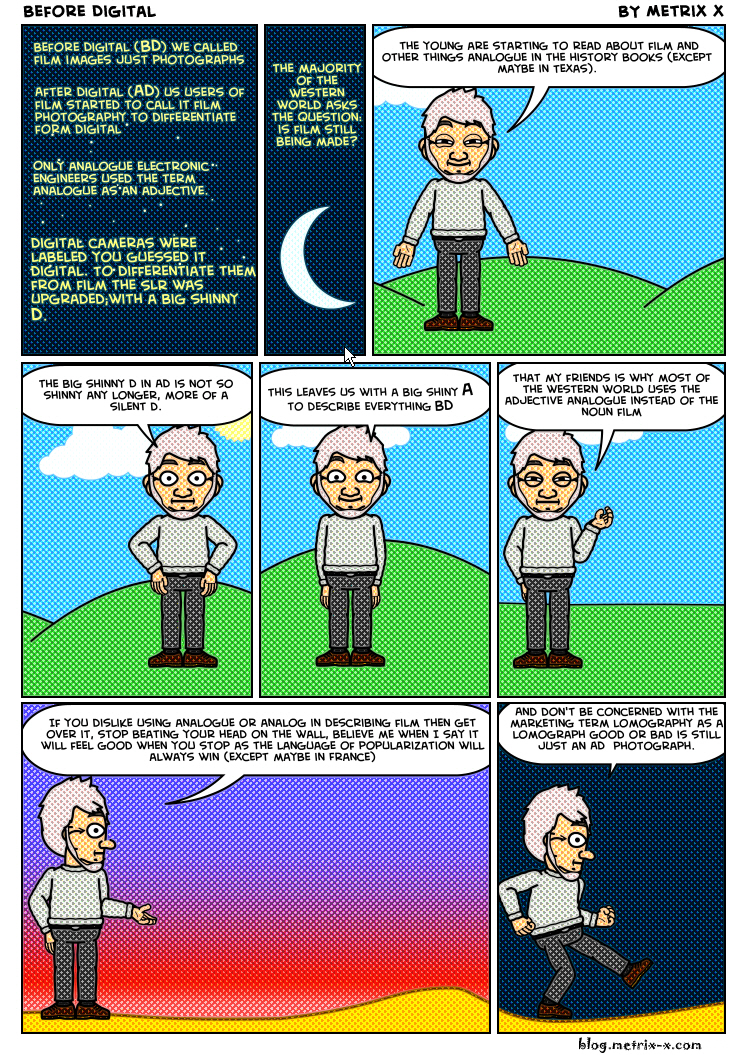
      Before There Was Digital


      The Naming Of Types
      (Stolen and poorly adapted from T. S. Eliot)
      The Naming of Types is a difficult matter,
      It isn’t just one of your holiday games;
      You may think at first I’m as mad as a hatter
      When I tell you, a photographer must have THREE DIFFERENT NAMES.

      First of all, there’s the name that the family use daily,
      Such as Snapshot, Wedding, Nature, Macro or Travel
      All of them fun everyday names.
      There are fancier names if you think they sound sweeter,
      Some for the gentlemen, some for the dames:

      But I tell you, a photographer needs a name that’s particular,
      A name that’s peculiar, and more dignified,
      Else how can he keep up his tail perpendicular,
      Or spread out his whiskers, or cherish his pride?
      Of names of this kind, I can give you the most accordant
      That name is of course Photojournalism.
      A name that is a beacon for both truth and realism
      With the names Bokeh and Sharpness being of much lesser importance

      But above and beyond there’s still one name left over,
      And that is the name that you never will guess;
      The name that no human research can discover–
      But THE PHOTOGRAPHER HIMSELF KNOWS, and will never confess.
      When you notice he or she is in profound meditation,
      The reason, I tell you, is always the same:
      His mind is engaged in a rapt contemplation
      Of the thought, of the thought, of the thought of his name:
      Of all the names his is the smartest,
      His ineffable effable
      Effanineffable
      That of course is because he’s an Artist
      Of deep and inscrutable singular Nature.